
How to Calculate Lot Size on Exness: Standard vs Cent Accounts
Exness Cent accounts use a completely different lot unit than Standard, Pro or Raw Spread accounts. Real worked examples for both, plus the exact formula.

Exness lot size confusion has one specific cause most other brokers don't share: its Cent accounts don't use standard lots at all — they use a completely different unit, denominated in cents instead of dollars. Get that distinction wrong and a position sized for a Cent account can be 100x larger than intended on a Standard one. This guide covers exactly how lot size works on each Exness account type, with real worked examples - for the broker's regulation, real costs and who it actually fits, see our full Exness review.
The short answer
Lot size = Risk amount ÷ (Stop-loss distance in pips × Pip value per lot). That formula is the same regardless of account type — what changes between Exness account types is what a single "lot" is actually worth. Get the pip value wrong for your account type and the formula gives you the wrong position size even though the math itself is correct.
Size decides more than your risk per pip. It also sets what an overnight position costs you, since the swap is charged per lot — see what that charge is and when it triples.

Why Exness is different: Standard vs Cent lots
On Exness's Standard, Pro and Zero accounts, and on the Exness Raw Spread account covered in our review, a lot works the same way it does at almost any forex broker: one standard lot = 100,000 units of the base currency, and account balances are shown in your account currency (USD, EUR, etc.) as normal.
On the Standard Cent account, balances are shown in cents, not dollars — deposit $10 and your balance displays as 1,000 (cents). A "cent lot" here is 1,000 units of the base currency, not 100,000 - so 1 cent lot = 0.01 of a standard lot. The minimum trade size is 0.01 cent lots, equal to just 10 currency units - part of why Cent accounts are popular for testing a strategy with very small real position sizes.
This is the exact mistake that causes real account-blowing errors: entering "1" into a lot-size field expecting Standard-account behavior, when the account is actually a Cent account, sizes the position 100x smaller (or larger, depending on which direction the confusion goes) than intended.

Worked example: Standard account
Say you have a $1,000 Standard account, want to risk 1% ($10) on a trade, and your stop-loss is 20 pips away on EUR/USD (a USD-quoted pair, so pip value is a fixed $10 per standard lot).
Lot size = $10 ÷ (20 pips × $10) = 0.05 standard lots (a mini-lot-sized position).
Worked example: Standard Cent account
Same risk logic, but on a Cent account with a 1,000-cent ($10-equivalent) balance, risking 1% (10 cents) with the same 20-pip stop:
Lot size = 10 cents ÷ (20 pips × pip value in cents). Since a cent lot's pip value scales down with the smaller contract size, this works out to roughly 0.5-1 cent lots depending on the exact pair - the key point isn't the exact number, it's that you enter cent lots here, not standard lots - the same "0.05" you'd use on a Standard account means something entirely different (and vastly larger relative to a Cent balance) on a Cent account.
Use our calculator instead of doing this by hand
Manually tracking which lot type applies is exactly the kind of mistake a calculator avoids. Our position size calculator takes your account balance, risk percentage and stop-loss distance and does this math directly - you still need to know whether your Exness account is Standard or Cent going in, but it removes the arithmetic error risk entirely. Still deciding whether Exness is the right broker at all? See how it ranks against the other brokers.
Check current Exness account types and minimum deposits
Account types at a glance
| Account | Lot unit | Minimum trade | Minimum deposit | Best for |
|---|---|---|---|---|
| Standard | 100,000 units/lot | 0.01 lots | $10 | Most traders, commission-free |
| Standard Cent | 1,000 units/cent lot | 0.01 cent lots (~10 units) | $10 | Testing strategies with very small real risk |
| Pro | 100,000 units/lot | 0.01 lots | $200 | Experienced traders, instant execution |
| Raw Spread | 100,000 units/lot | 0.01 lots | $200 | Tight spreads + fixed commission |
| Zero | 100,000 units/lot | 0.01 lots | $200 | Scalping, 0.0 spreads on majors most of the day |
Common mistakes to avoid

- Assuming "lot" always means the same thing. It doesn't, specifically on Exness's Cent account - confirm your account type before sizing any position.
- Forgetting your balance is already in cents. A Cent account showing "1,000" is $10, not $1,000 - risk-percentage math needs the real dollar equivalent, not the displayed number.
- Copying a lot size between account types. A EA or manual strategy tuned for a Standard account needs re-sizing before running on a Cent account, and vice versa. The same hundredfold gap shows up in copy trading, where a leaderboard ranks strategies by percentage without saying which of them run on cent accounts — see what a cent account does to a copy trading leaderboard.
Related
View category
Exness Review: Regulation, Raw Spread Costs and Who It Actually Fits
A practical Exness review covering its mixed regulatory structure, raw-spread trading costs, platforms, negative balance protection and the withdrawal-verification pattern worth knowing before you deposit.
Read article →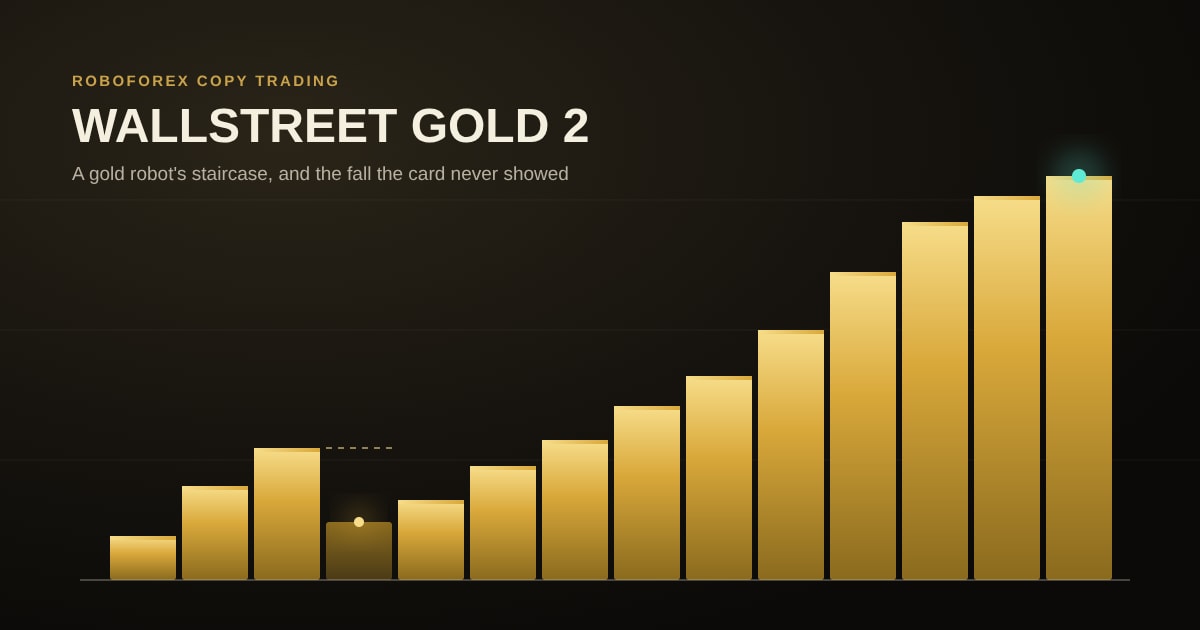
WALLSTREET GOLD 2 Review: XAUUSD Copy Trading as a Staircase, Not a Spike
WALLSTREET GOLD 2 is one of the most-copied accounts in our CopyFX rating: a gold-only robot with a staircase record and a card whose drawdown figure understates its worst fall. The card never showed the account's first-year fall, and the trader's original account on the same robot has taken a fall this one has not. What the full record shows, what the fee really takes, and how to size it.
Read article →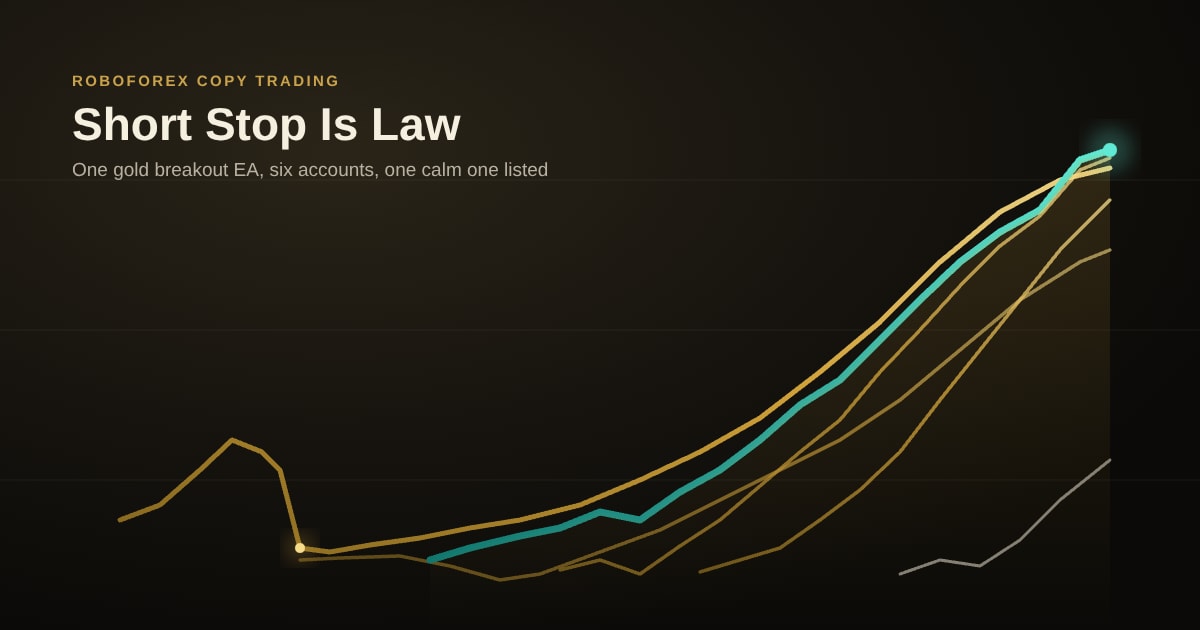
Short Stop Is Law Review: A Gold Breakout EA on Six Accounts
Short Stop Is Law sits high in our CopyFX rating on a record with no double-digit fall. The same trader runs the same gold breakout EA on five other accounts, and three of them have already been through falls the listed one has not. What the whole family shows, what the fee history says, and how to size it.
Read article →